When you enable the Allow multiple lines option for a text field but do not also enable the Allow rich formatting option, the content of that field is wrapped in HTML
and
You can set the option in the Smart Form configuration text field's properties (Workarea > Settings > Configuration > Smart Form Configurations , and choose the data design view at the top). Right click on the text field and choose properties to change this.
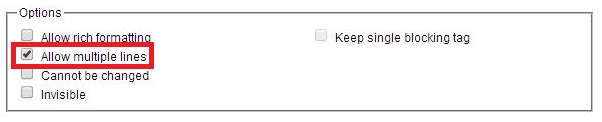
To avoid the above behavior, enable Allow rich formatting , which does not wrap the content in
tags.
Please sign in to leave a comment.